

Introduction
IndianOil works with a lot of fuel dealers, LPG distributors, delivery people, and repair teams. Managing all this work by paper or phone calls can be slow and confusing. Dealers need to check orders, track payments, manage delivery tasks, and keep customer records correct. LPG distributors also need a simple way to handle refill bookings, delivery updates, and service complaints.
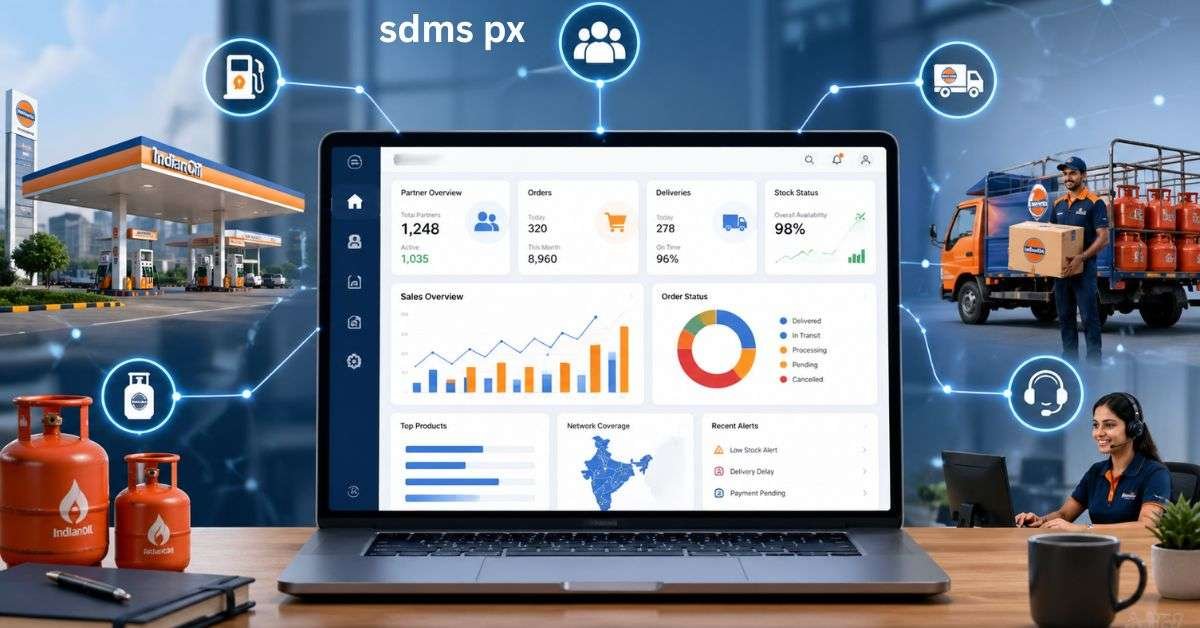
This is where SDMS PX becomes useful. It is an online business platform connected with IndianOil’s dealer and distributor network. It helps approved users manage important daily tasks from one place. This guide explains what the system is, who can use it, how it helps partners, and how to use it safely in 2026. The article is written in simple English so dealers, staff members, and new users can understand it easily.
What is SDMS PX?
SDMS PX is a digital platform made for IndianOil’s business partners. It connects dealers, LPG distributors, service teams, and other approved users with important business tools. Instead of using only manual records, users can check many tasks online. The system may help with order details, sales records, payment information, delivery updates, customer service tasks, and reports.
It is not mainly for regular customers. It is mostly for people who are part of IndianOil’s official business network. For example, an LPG distributor may use the system to check refill-related work and delivery records. A dealer may use it to view order status or business reports. A service worker may use connected tools to handle customer complaints or field tasks.
In simple words, SDMS PX works like a digital office for IndianOil partners.
Why this Platform Matters in 2026
In 2026, business work needs to be fast, clear, and well-organized. Customers expect quick service. Dealers need correct records. Distributors need better control over delivery work. A digital system helps reduce mistakes and saves time. Without a proper online system, staff may lose track of pending orders, payment updates, or customer complaints. This can cause delays. It can also make daily work harder for owners and managers.
A digital partner portal supports better planning because users can see important details in one place. It also helps teams work with more discipline. When data is updated on time, managers can make better decisions. For IndianOil partners, SDMS PX is useful because it supports smoother business operations and better customer service.
Who Can Use the Portal?
Not everyone can use this platform. It is made for approved IndianOil business users. Access usually depends on the user’s role and permission level. A dealer owner may have more access than a delivery person. A mechanic may only see service-related tasks. Here is a simple table to understand common users and their work:
| User Type | Main Use | Example Task |
| Fuel Dealer | Manage dealer business records | Check order status and reports |
| LPG Distributor | Handle LPG-related operations | Track refill delivery and customer records |
| Delivery Staff | Manage field delivery work | Confirm delivery and collect payment |
| Mechanic or Service Worker | Handle service complaints | Respond to leakage or repair requests |
| Admin Staff | Support office tasks | Download reports and update records |
This role-based access is important. It keeps private business data safer and gives each person only the tools they need.
Main Features of SDMS PX
The exact features may depend on the user type and business role. Still, most partners use the platform for daily business support. It helps users avoid repeated calls, manual checking, and long paperwork.
Important features may include:
- Order tracking
- Sales and delivery records
- Payment or balance information
- Customer details
- Business reports
- Service complaint updates
- Staff or role-based access
- Digital records for future review
For a dealer, the most useful part may be order and account information. For an LPG distributor, delivery tracking and customer records may be more important. For service staff, complaint updates and task closure can be helpful. The best thing about the system is that it keeps many business activities connected. This helps you handle your daily work better.
Web Portal vs Mobile App
IndianOil partners may use a web portal or a mobile app, depending on their work. Office users often prefer the web portal because it is better for reports and detailed records. Field workers may prefer the mobile app because it is easier to use while working outside.
| Feature | Web Portal | Mobile App |
| Best For | Office and admin work | Field and quick updates |
| Common Users | Dealer, distributor, admin staff | Delivery staff, mechanics, partners |
| Main Benefit | Better for reports and records | Easy to use while moving |
| Device Needed | Computer or laptop | Smartphone |
| Useful For | Checking detailed business data | Delivery confirmation and service tasks |
Both options are useful. The web portal is good for deep work. The mobile app is good for fast updates.
How to Use the Portal Safely
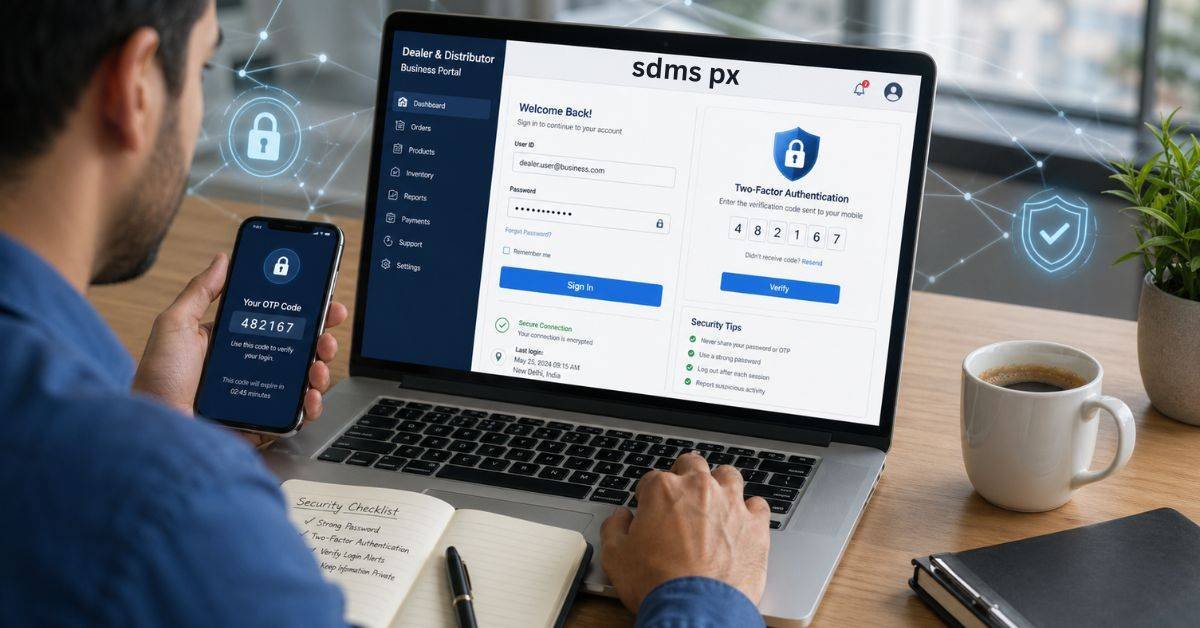
When using SDMS PX, safety is very important. The platform may contain business records, customer details, payment data, and staff activity. If login details are shared with the wrong person, it can create problems. Always use the official link or app shared by IndianOil or your authorized office. Do not click unknown links from random websites, WhatsApp groups, or social media posts. Fake pages can steal usernames and passwords.
Use a strong password that is not easy to guess. Do not use simple passwords like your name, phone number, or business name. Change the password when a staff member leaves the business. Also, do not keep the account logged in on a shared computer. Always log out after work. If you use a public or office computer, avoid saving the password in the browser.
Common Login Problems and Fixes
Some users may face login issues. Most problems are simple and can be fixed with basic steps. First, check that you are using the correct website or official app. Then check your internet connection. If the page does not open, clear your browser cache or try another updated browser. If your password does not work, use the official password reset option. If you do not receive an OTP, your registered mobile number or email may need checking.
Sometimes users cannot see certain options after login. This may happen because their role does not have permission for that feature. In that case, the business owner or authorized admin should check access settings. Never try too many random login attempts. If the account gets locked, contact the proper support channel or IndianOil office linked with your business.
Best Practices for Dealers and Distributors
Using SDMS PX well is about building good habits. Dealers and distributors should not wait until a problem becomes serious. They should check their dashboard daily and review pending work. Start the day by checking orders, delivery tasks, and service requests. Before closing business hours, review pending items and important reports. This helps reduce delays and improves customer experience.
Keep all contact details updated. If your registered mobile number or email is wrong, OTPs and alerts may fail. Also, train staff properly before giving them access. A delivery person should know how to confirm work correctly. An admin person should know how to download and check reports. Good digital habits can save time, reduce stress, and make business records cleaner.
FAQs
What is SDMS PX used for?
It is used by IndianOil partners to manage business tasks like orders, reports, delivery work, and records.
Can normal customers use this portal?
No, it is mainly for approved IndianOil dealers, LPG distributors, and business users.
Is SDMS PX safe to use?
Yes, if users log in through official channels and keep their password private.
What should I do if login fails?
Check your internet, browser, password, and OTP details. If the issue continues, contact the official support channel.
Can delivery staff use it on mobile?
Yes, connected mobile tools may help delivery staff manage field tasks and updates.
Conclusion
SDMS PX is an important digital platform for IndianOil’s dealer, LPG distributor, and service network. It helps approved users manage daily business tasks in a more organized way. From checking orders to tracking delivery work and viewing reports, the system supports smoother operations.
For best results, users should log in only through official channels, protect their passwords, update records carefully, and train staff before giving access. Dealers and distributors should also review their dashboard daily so pending work does not pile up. If you are an IndianOil partner, make a simple daily checklist today. Check orders, delivery updates, service complaints, and reports before the end of each working day. This small habit can improve business control and customer service.